TrelloExport 1.9.11
TrelloExport is a Chrome extension to export data from Trello to Excel.
What’s new for version 1.9.11
- added a new Options dialog
- export full board or chosen list(s) only
- add who and when item was completed to checklist items as of issue #5
New Options dialog
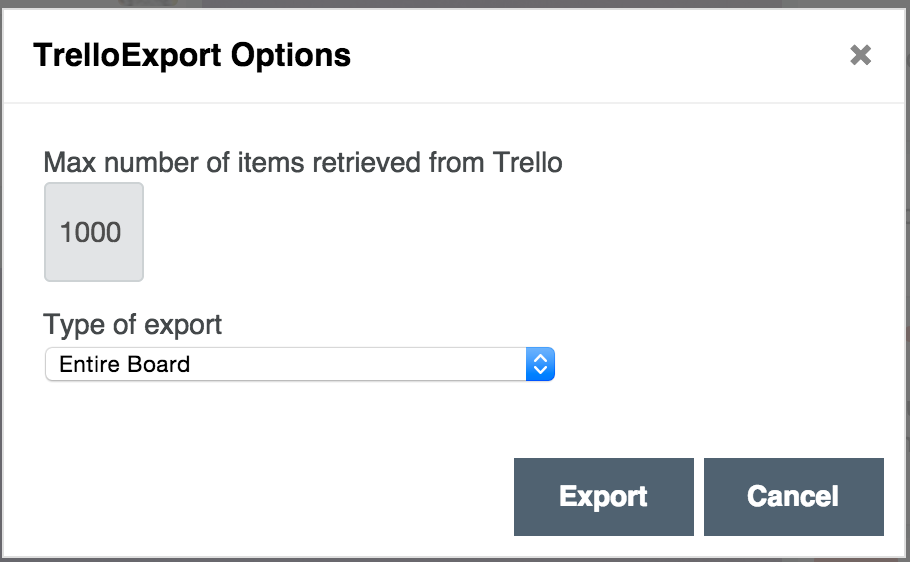
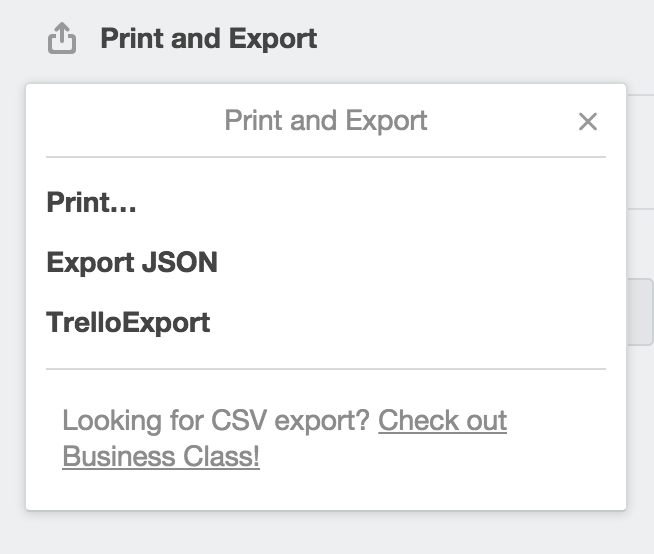
A new Options dialog gets opened when you click on TrelloExport button:
You can now set the data-limit, i.e. the max number of items to request to Trello APIs, and the type of export.
The default is to export the full board, as in all previous version. A new option is to export only one or more lists from the current board:
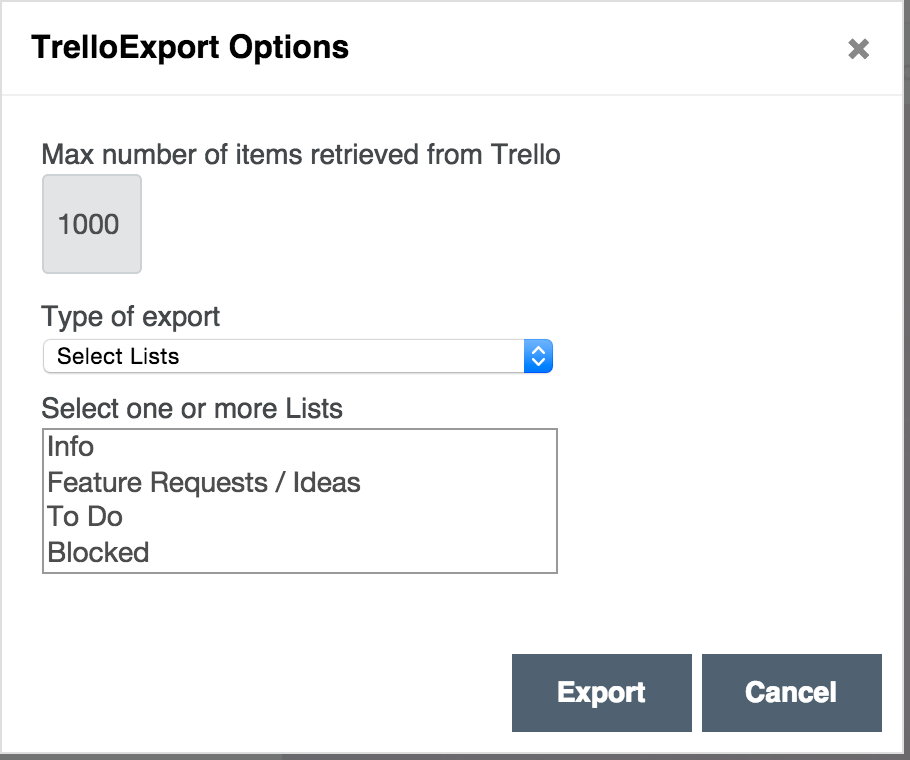
You just have to CMD-Click on the Mac, or Control-Click on PCs, to select one or more lists, and then click “Export” to get your XLSX file as before - just it will hold only data from the specified list(s).
Checklist items data
A little enhancement as per issue #5: now completed checklist items are exported with the detail of who and when the item was completed.
Download
Get TrelloExport on GitHub at https://github.com/trapias/trelloExport