MCP Memoria - Smart Recall, Data Management & Parallel Sessions
Three Weeks of Changes
Since the Docker Quick Start post, I’ve been improving Memoria every day following my own needs.
Here’s what changed in the last weeks.
Smart Recall
The recall and search tools have been substantially upgraded with four new capabilities.
Hybrid Search with Reciprocal Rank Fusion
Previously, memoria_recall relied entirely on vector similarity — good at finding semantically related content, but sometimes missing exact matches. Now, passing hybrid: true activates a multi-strategy search that combines:
- Semantic search (vector similarity)
- Keyword search (full-text matching)
- Graph-aware search (related memories via the knowledge graph)
Results are fused using Reciprocal Rank Fusion (RRF), a technique that merges ranked lists from different retrieval strategies into a single, higher-quality ranking. Each strategy contributes candidates, and RRF ensures that a memory scoring well across multiple strategies ranks higher than one that only scores well on a single dimension.
Temporal Retrieval
The date_from and date_to filters now accept natural language. Instead of ISO dates, you can write:
Recall memories from last week about deployment
Recall memories from yesterday
Search memories created last 3 days
The parser handles English and Italian (ieri, settimana scorsa, ultimi 5 giorni) and maps them to the correct date ranges.
Compact Mode
Both memoria_recall and memoria_search now accept a compact: true parameter that returns only the memory ID, a content preview, and tags — significantly reducing token usage when you just need a quick overview rather than full content.
LLM Reflection and Observation
Two new tools use a local LLM (via Ollama) to reason over your memories:
-
memoria_reflect— Given a question, retrieves relevant memories and asks the LLM to synthesize an answer. Useful for questions like “What patterns do I follow when deploying?” or “Summarize what I know about project X.” -
memoria_observe— Periodically scans your memories for patterns, contradictions, or consolidation opportunities. It can spot things like “these 5 memories are all about the same deployment issue and could be merged” or “this procedural memory contradicts a newer one.”
Both tools use the model configured via MEMORIA_LLM_MODEL (default: llama3.2), keeping everything local.
Data Management UI
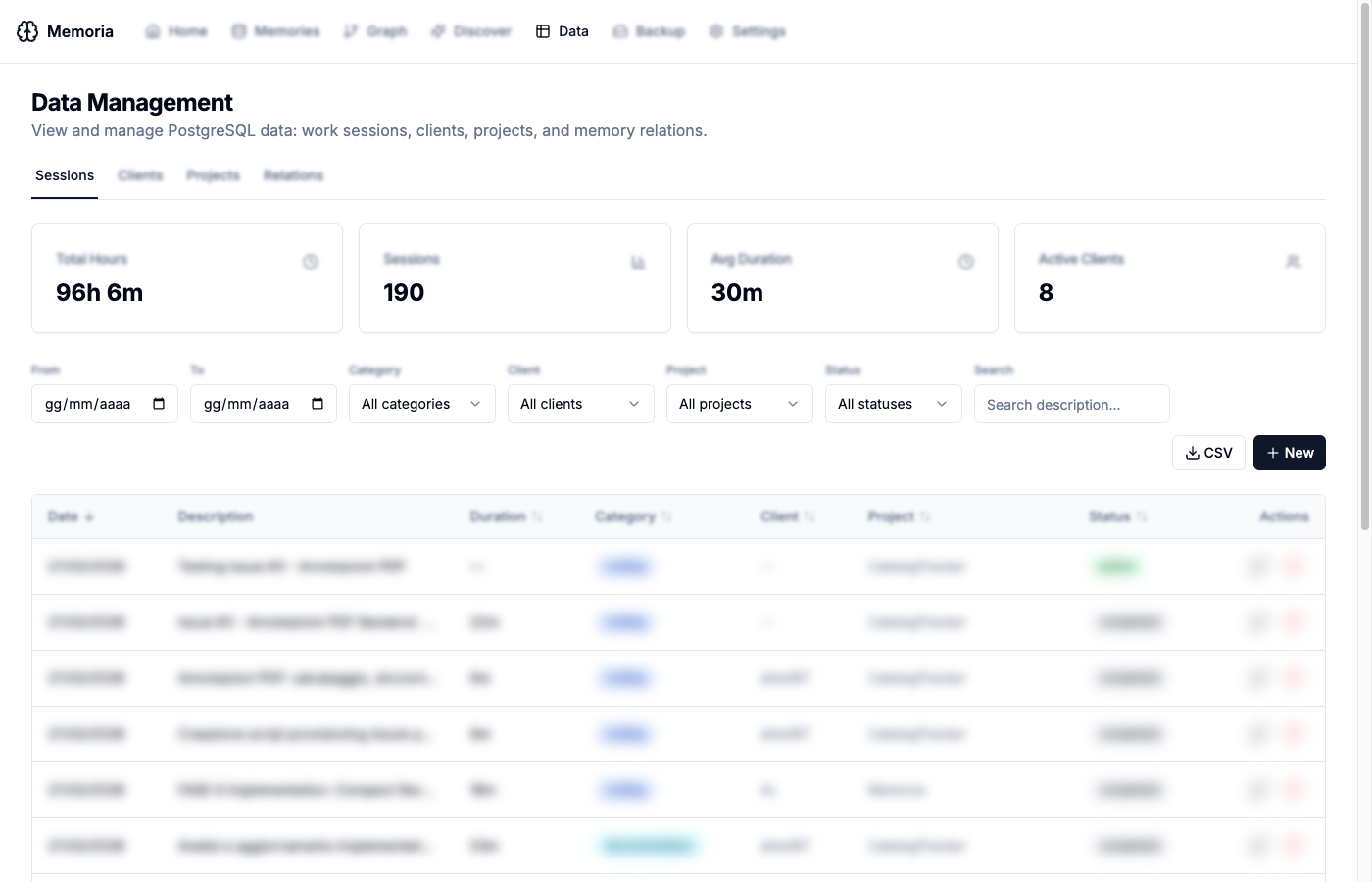
The Web UI now includes a dedicated Data Management page (/data) with four tabs for managing all PostgreSQL-backed data.
Sessions
The Sessions tab shows all work tracking sessions with summary cards (total hours, session count, average duration, active clients) and a filterable, sortable table. Filters include date range, category, client, project, status, and free-text search. Sessions can be exported to CSV or created manually.
Clients
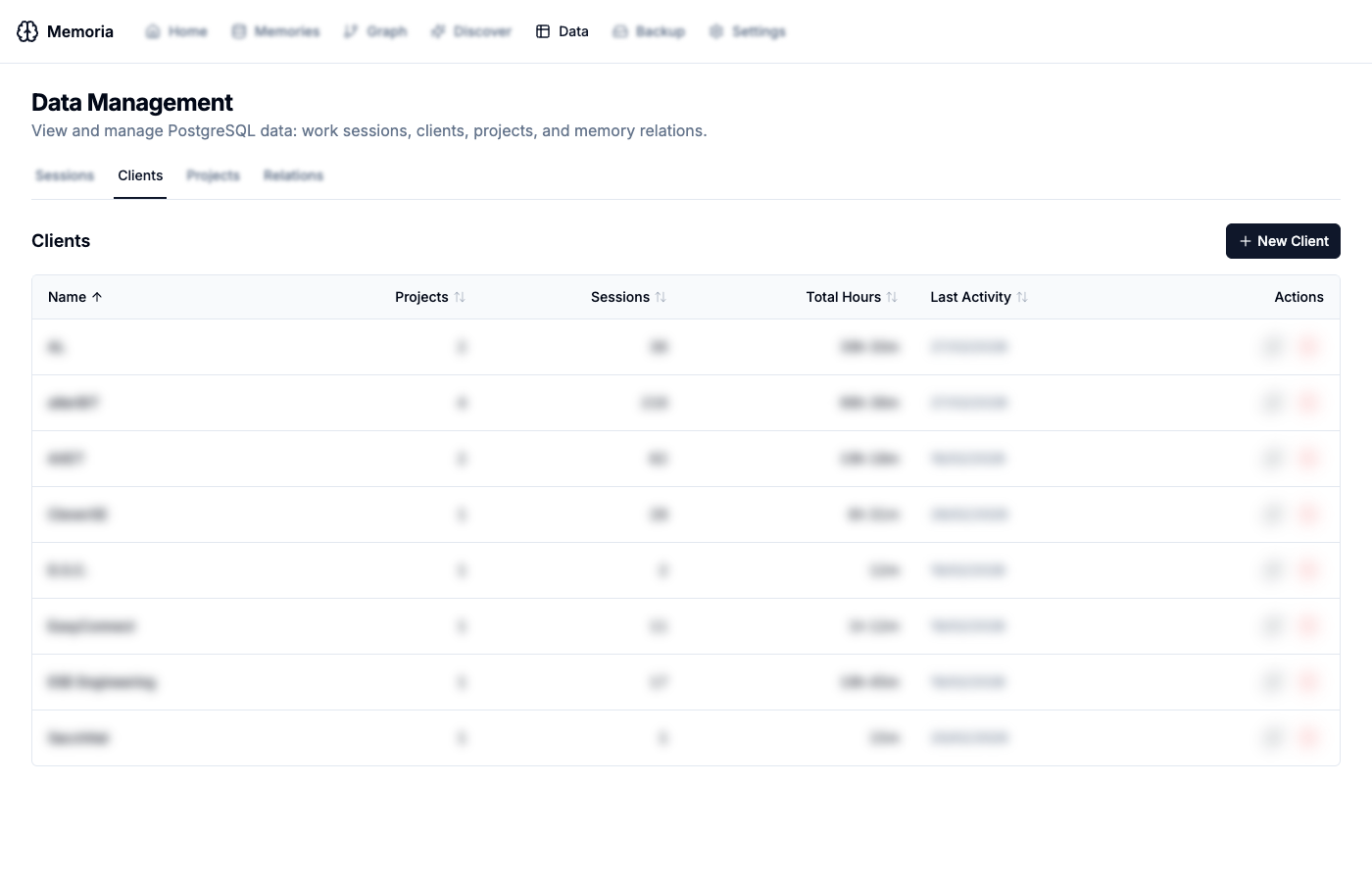
View all clients with their project count, total sessions, hours tracked, and last activity. Clients can be created, edited, and deleted directly from the UI.
Projects
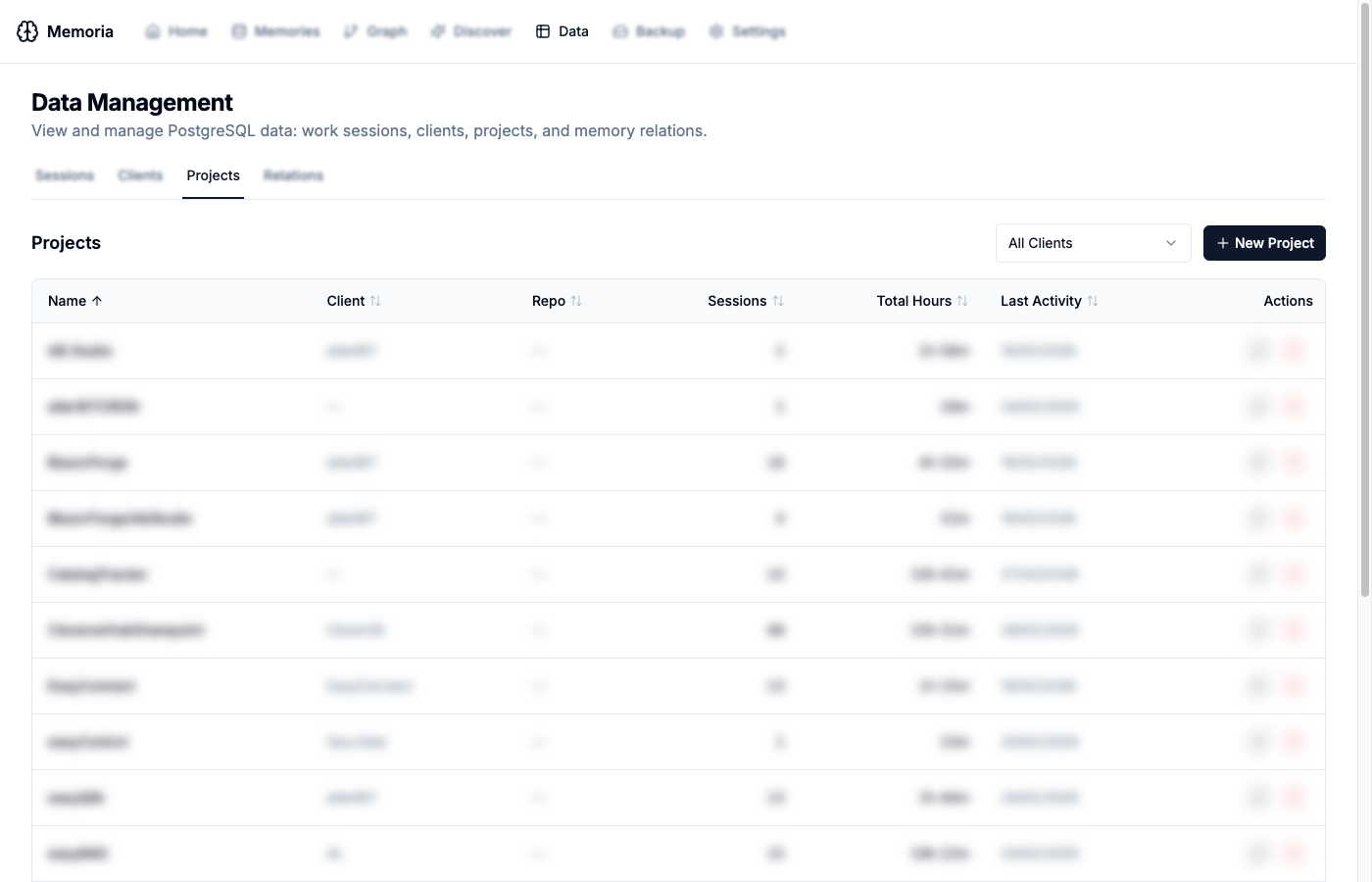
Similar to clients, but with an additional client filter and repository field. Each project shows its linked client, session count, and total hours.
Relations
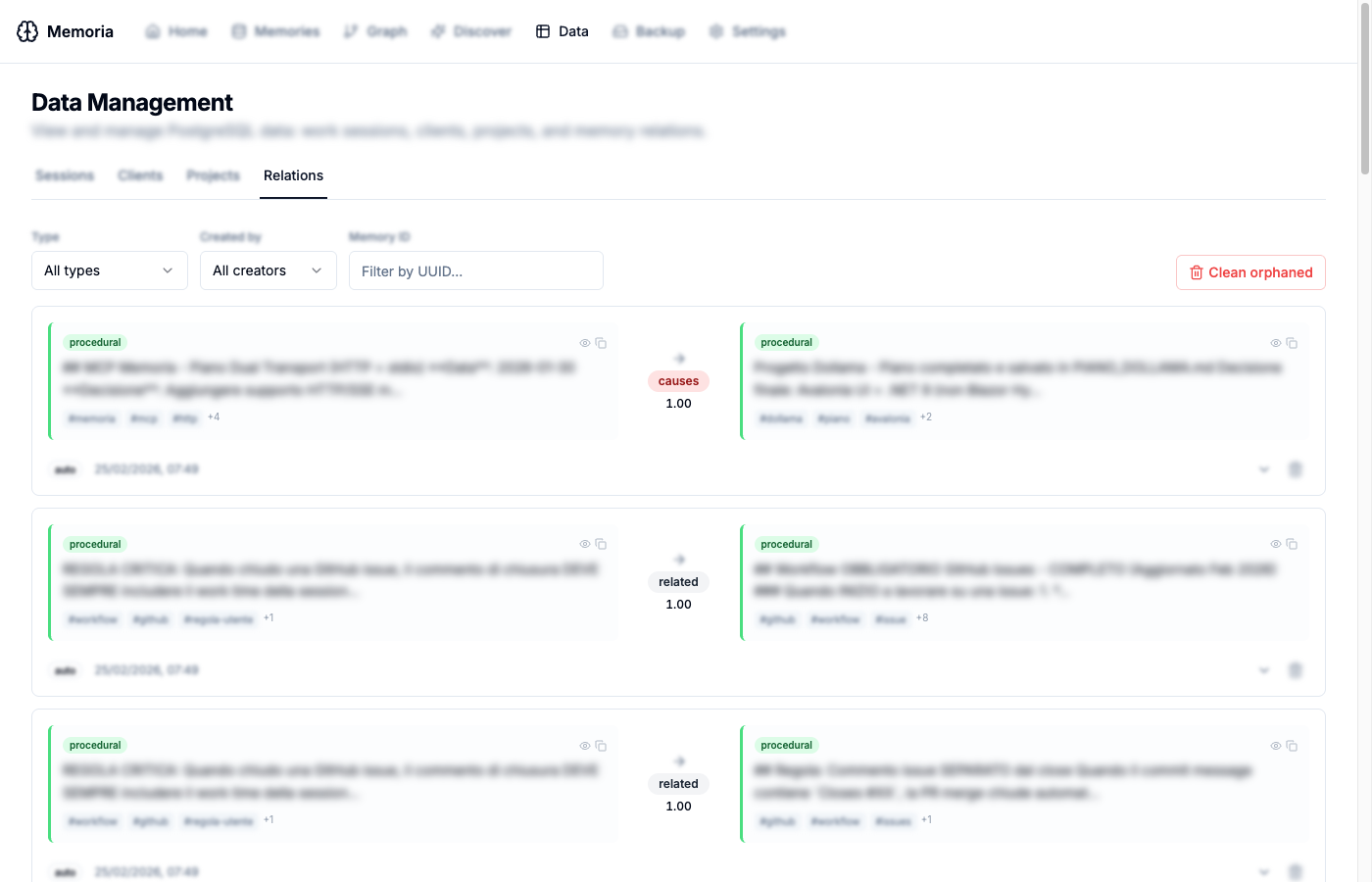
Browse all knowledge graph relations as card pairs, showing source and target memories with their content previews, tags, relation type, and confidence score. Filter by type (causes, fixes, supports, related, etc.), creator (manual vs. auto-discovered), or memory UUID. An “orphaned relations” cleanup button removes relations pointing to deleted memories.
Parallel Work Sessions
The time tracking module now supports multiple concurrent work sessions. You can track time on different projects simultaneously — for example, when switching between a code review and a development task.
The system uses hybrid disambiguation: when only one session is active, all tools work transparently without requiring a session ID (fully backwards-compatible). When multiple sessions exist, tools that mutate a session either require a session_id or return a clear disambiguation error listing available sessions.
Configurable via MEMORIA_WORK_MAX_PARALLEL_SESSIONS (default: 3). The system also warns about sessions running longer than a configurable threshold and flags possible duplicates on the same project.
Database Migration Hardening
Several issues with database migrations have been resolved:
- Migrations now run automatically on startup, preventing “missing table” errors in fresh Docker deployments
- All migrations are idempotent — safe to re-run without side effects
- The migration system is unified between native and Docker deployments
- Fixed a PostgreSQL constraint where
CONCURRENTLYis forbidden inside transactions
Other Improvements
- Content truncation removed —
memoria_recallandmemoria_searchnow return full content instead of truncating at 500 characters - Remote access — the Web UI auto-detects the API URL from the browser hostname, making it work correctly when accessed from a different machine
- Version visibility — Docker startup logs and the
/healthendpoint now show the current version - Web UI sorting — all tables in the UI are now sortable by clicking column headers
- UUID search — find memories by pasting a UUID directly in the Memory Browser or Relations tab
- Qdrant upgrade — bumped to v1.17.0 with pinned Docker image tags for reproducible builds
- Docker performance — cross-compiled frontend builds avoid slow QEMU emulation for npm on ARM
- Configurable UI port — set
UI_PORTto change the Web UI port (default: 3000)
Updating
# Docker users
docker compose -f docker-compose.server.yml pull
docker compose -f docker-compose.server.yml up -d

# Native users
pip install --upgrade mcp-memoria
Full changelog and source code: github.com/trapias/memoria