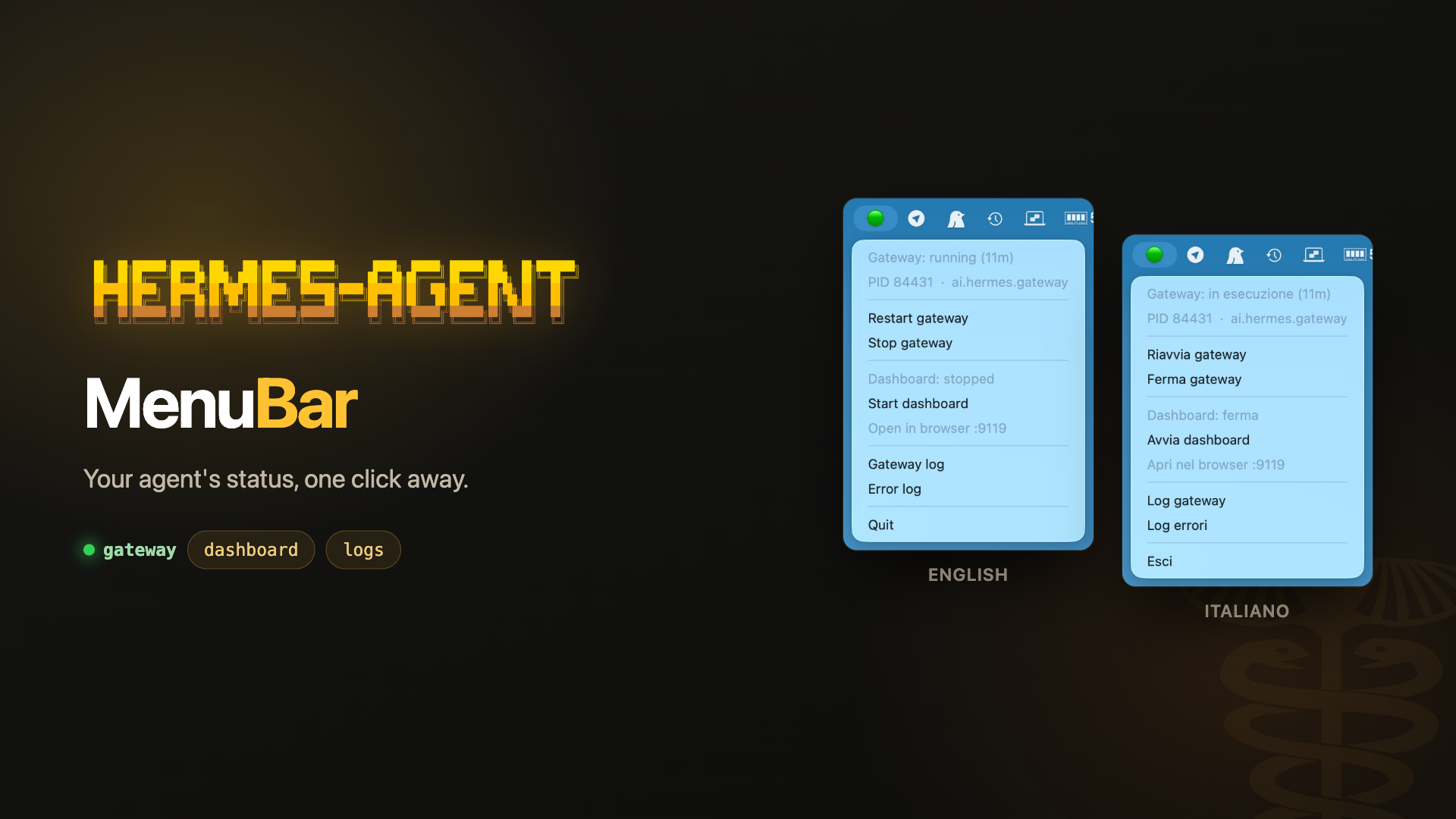
HermesMenuBar — Hermes Agent in Your Mac Menu Bar
Scratching a Small Itch
I’ve been running Hermes Agent — the self-improving AI agent by Nous Research (GitHub, docs) — on my Mac for a while now. It’s the piece that lets me talk to my agent from Telegram while it quietly works away in the background.
The thing about a background process is exactly that: it’s in the background. Is the gateway still up? Did it restart itself overnight? Is the dashboard running, or did I close the terminal it was living in? Every one of those questions meant opening a terminal and typing something.
So I wrote HermesMenuBar, a little menu bar app that answers all of them at a glance.
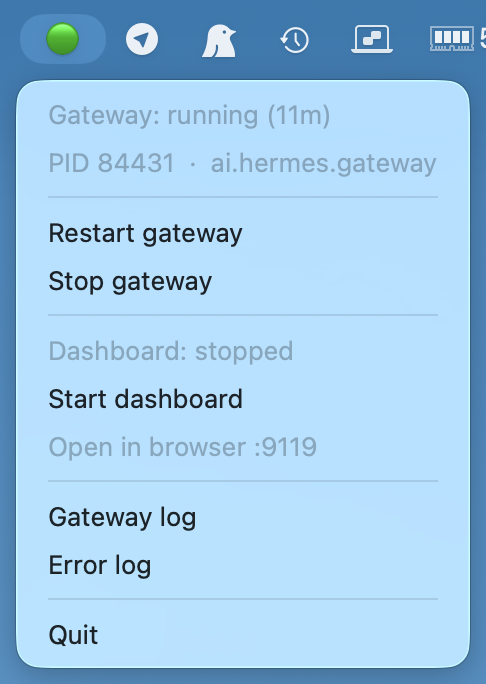
A green dot means the gateway is alive. Red means it isn’t. That’s the whole idea.
What It Does
Open the menu and you get the current state plus the actions you’d otherwise type out:
- Gateway status — running or stopped, with uptime and the PID launchd is supervising
- Start / stop / restart the gateway without leaving the menu bar
- Dashboard status — with its own start/stop toggle
- Open in browser — greyed out until the dashboard actually answers on its port, so the menu never hands you a dead link
- Logs — gateway log and error log, opened in Console.app, which tails them live
It installs itself as a login item, so it’s simply there every time you boot.
Two Processes, Two Different Problems
The interesting part, and the reason the app isn’t quite trivial, is that Hermes runs as two processes with completely different lifecycles.
The gateway — the part that keeps Telegram and the other channels working — is a launchd agent with KeepAlive set. It starts at login and launchd will happily respawn it whenever it dies. The app follows it through launchctl, and re-reads the PID on every refresh rather than caching it: with KeepAlive in play, the process you saw three seconds ago may not be the process running now.
The dashboard is the opposite: a plain foreground web server with no service manager behind it, which dies with whatever terminal started it. There’s no launchd label to query, so the app just opens a TCP connection to its port and sees whether anything answers. Crude, but it’s the only honest way to know it’s really up — and it’s what makes the “Open in browser” item grey itself out when there’s nothing to open.
When the app starts the dashboard itself, it detaches it into its own session, so it outlives both the terminal and the menu bar app.
A couple of other things I ran into, which may be useful if you ever build one of these:
- Everything slow runs on a worker thread.
rumpslives on Cocoa’s main thread, and a multi-secondhermes gateway restarton that thread freezes the whole menu. - The launchd label is discovered, not reconstructed. Hermes labels its agent with a per-profile suffix, so the app reads the installed plists and matches on
HERMES_HOMEinstead of trying to re-derive the naming rules. - The app deliberately uses its own launchd namespace (
dev.trapias.*, notai.hermes.*). Hermes sweepsai.hermes.gateway*andhermes updatetouchesai.hermes.*— a plist parked in there would risk being removed by an update.
It Speaks Your Language
The menu is available in English and Italian, and picks one by reading your system’s preferred languages — no configuration needed.
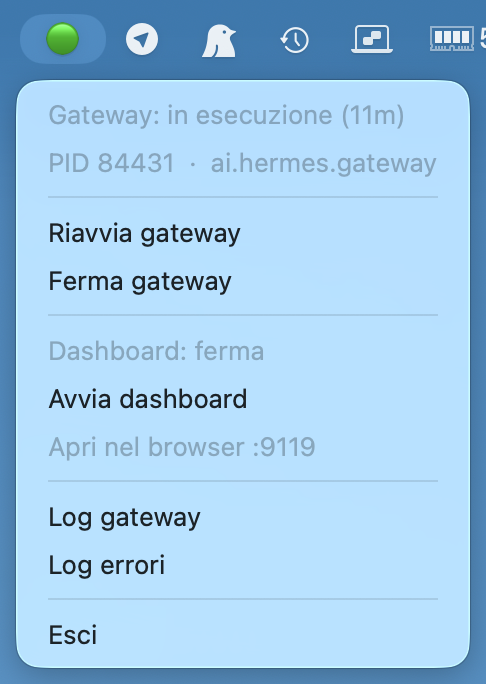
If you’d rather pin it, an environment variable does the job. That turned out to be less obvious than expected: a launchd agent doesn’t inherit your shell environment, so exporting the variable in a terminal has no effect on the app that starts at login. It goes into the agent’s plist instead, and the installer handles it:
HERMES_MENUBAR_LANG=en ./install.shAdding a third language means adding one entry to a strings table. English is the fallback for any key a translation is missing, so a partial one degrades gracefully instead of breaking the menu.
Getting It
It’s Python and rumps, it’s under 500 lines, and it’s on GitHub:
git clone https://github.com/trapias/HermesMenuBar.git
cd HermesMenuBar
./install.sh      # installs rumps if missing, registers the agent, starts the app
You’ll need Hermes Agent already installed — the app drives your existing installation and reuses its Python environment. There’s an uninstall.sh that removes everything, cleanly.
Grab it at github.com/trapias/HermesMenuBar. It solves a small problem, but it’s a problem I had several times a day — and now I don’t.